01OG SCANNER
Private plant memory in your pocket.
Photograph, measure, talk, and keep a timeline on the iPhone you already own. No account required; the phone is the only copy by default.
LOCAL ONLYOG Scanner · local by default
Walk, talk, and point. OpenGrowOS turns everyday garden moments into a private, useful history—without an account, an appliance, or new hardware.
One memory. Every scale.
The iPhone is useful on its own. Cloud continuity and an on-site appliance are separate additions, available only when your garden actually needs them.
Photograph, measure, talk, and keep a timeline on the iPhone you already own. No account required; the phone is the only copy by default.
LOCAL ONLYDashboard, timeline, comparisons, and seasonal slideshows for selected evidence. Vivosun beta first; AC Infinity and more grow gear planned.
OPTIONAL SYNCCameras, time series, integrations, and Shelly-class controllers stay on site. Consequential commands remain capability-checked and auditable.
ON-SITE APPLIANCEYour virtual gardener
Keep moving while OpenGrowOS connects what you say to the likely plant or bed. When the evidence is unclear, it asks a short question instead of filing a confident mistake.
I planted this bee balm last year. It's finally taking off.
I found last May's note. Is this the same clump, now about twice as wide?
Selected evidence stays local
OG Scanner · Private beta preview
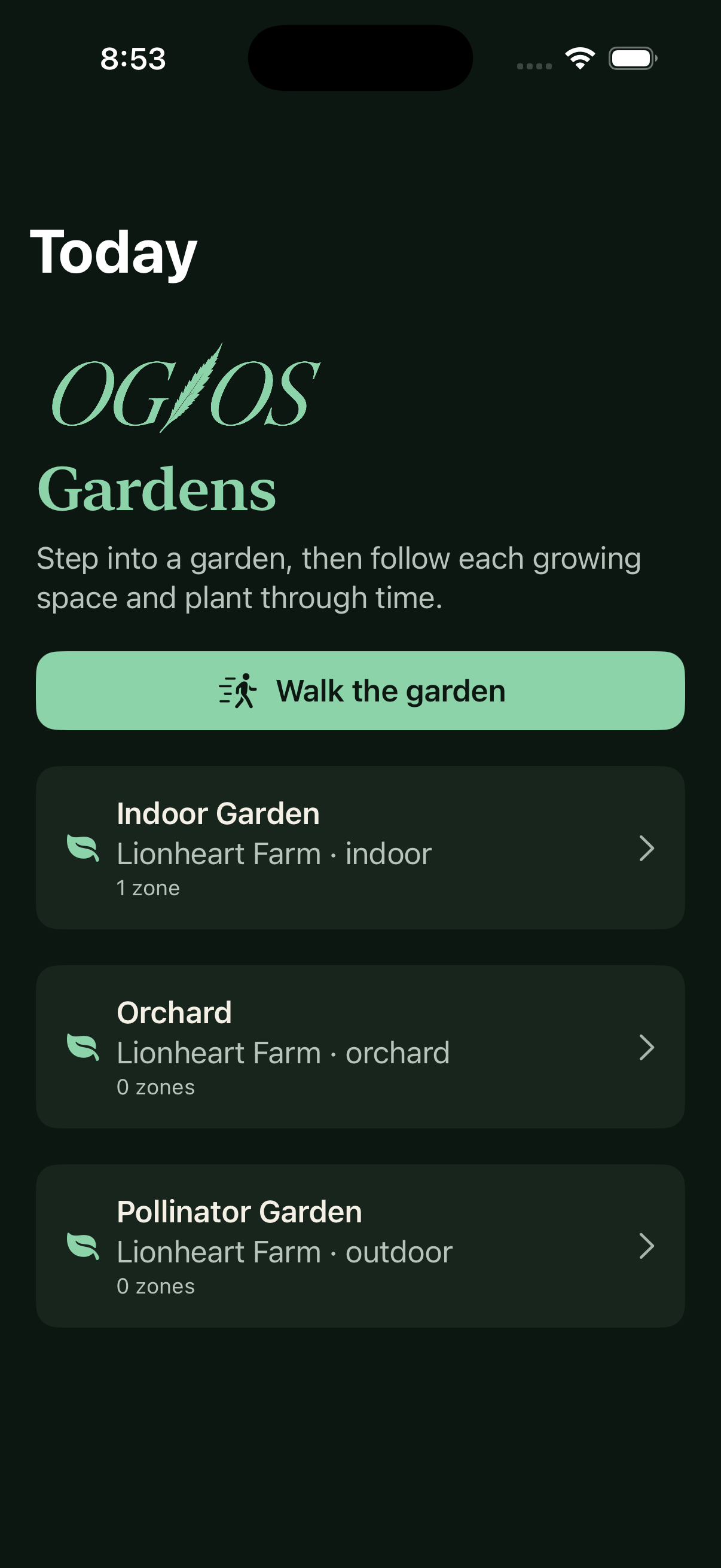
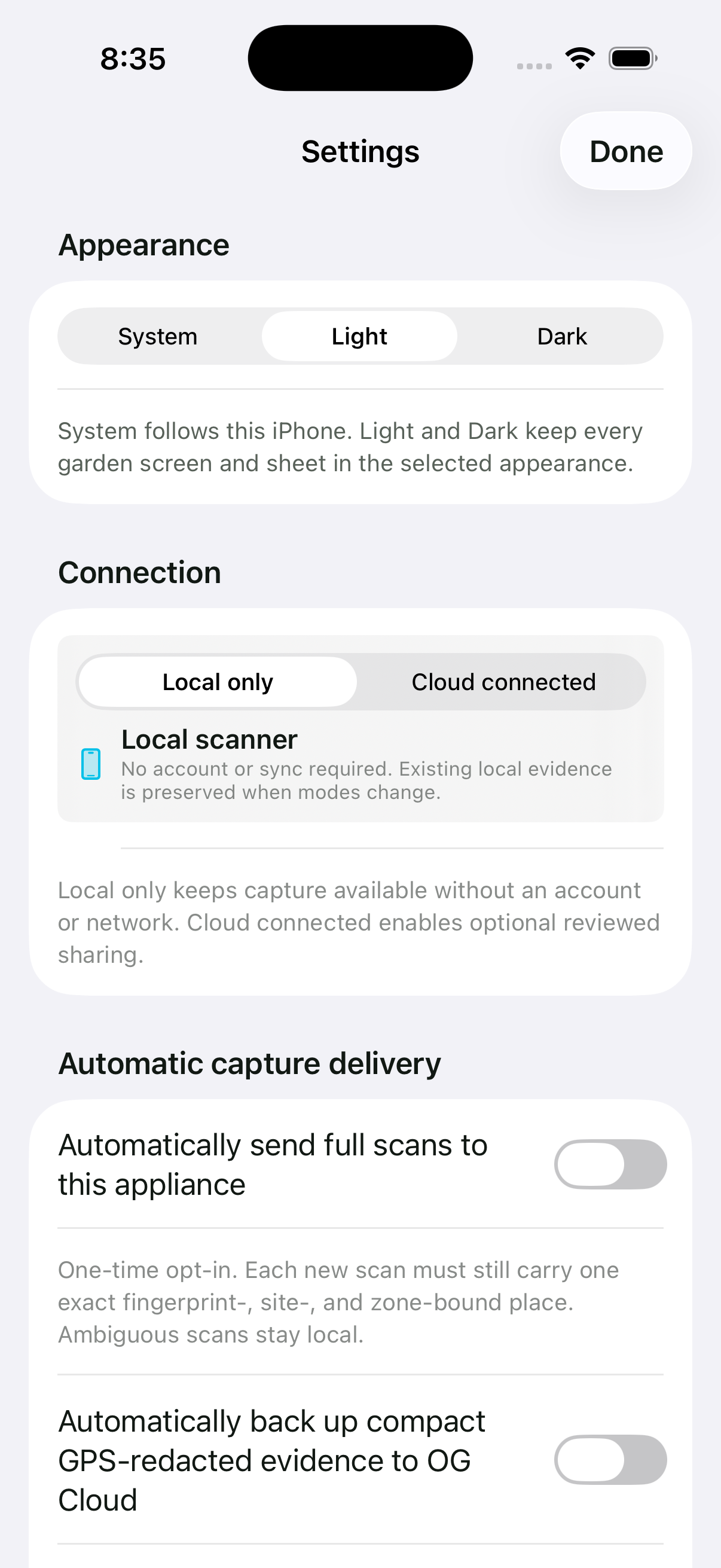
Choose System, Light, or Dark. Garden screens and settings stay in the selected appearance, with automatic delivery off until you opt in.
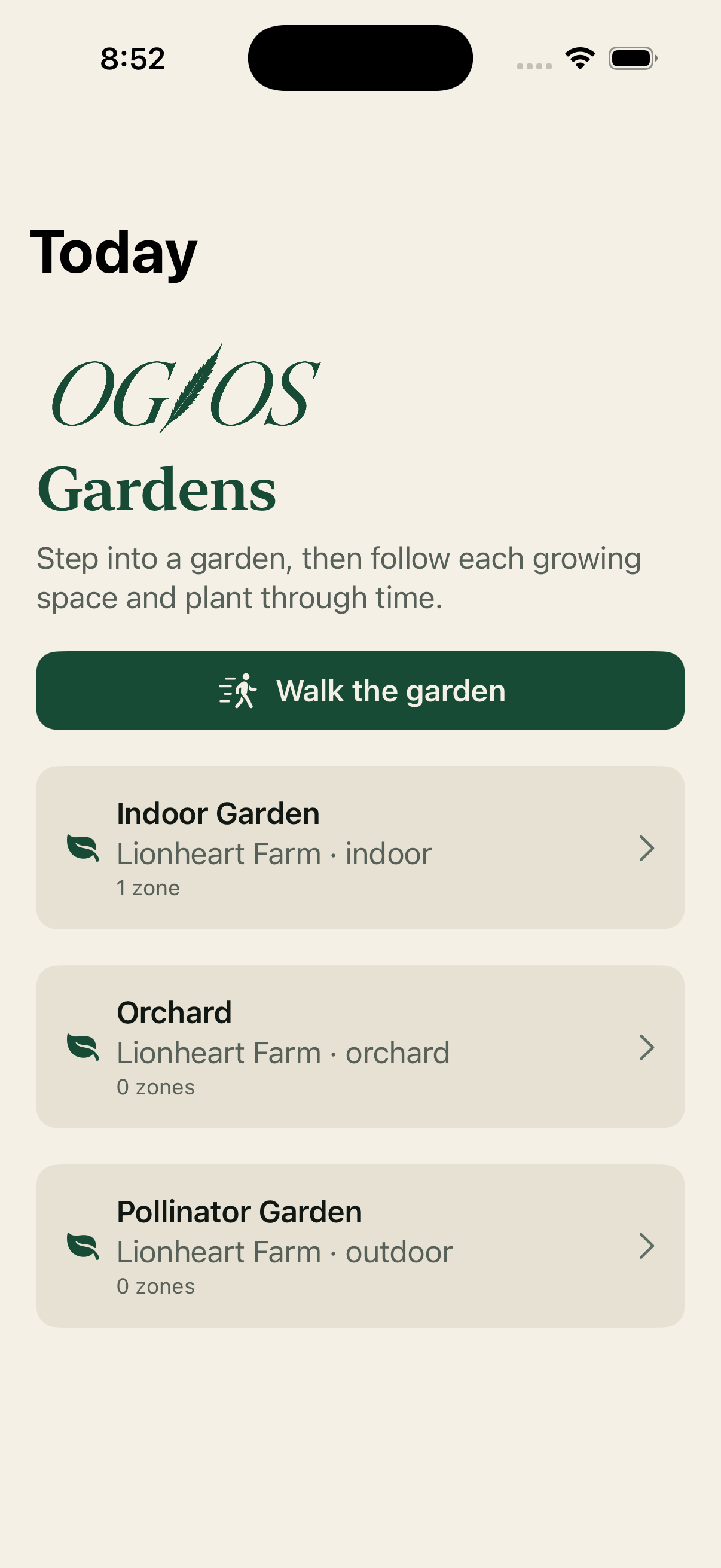
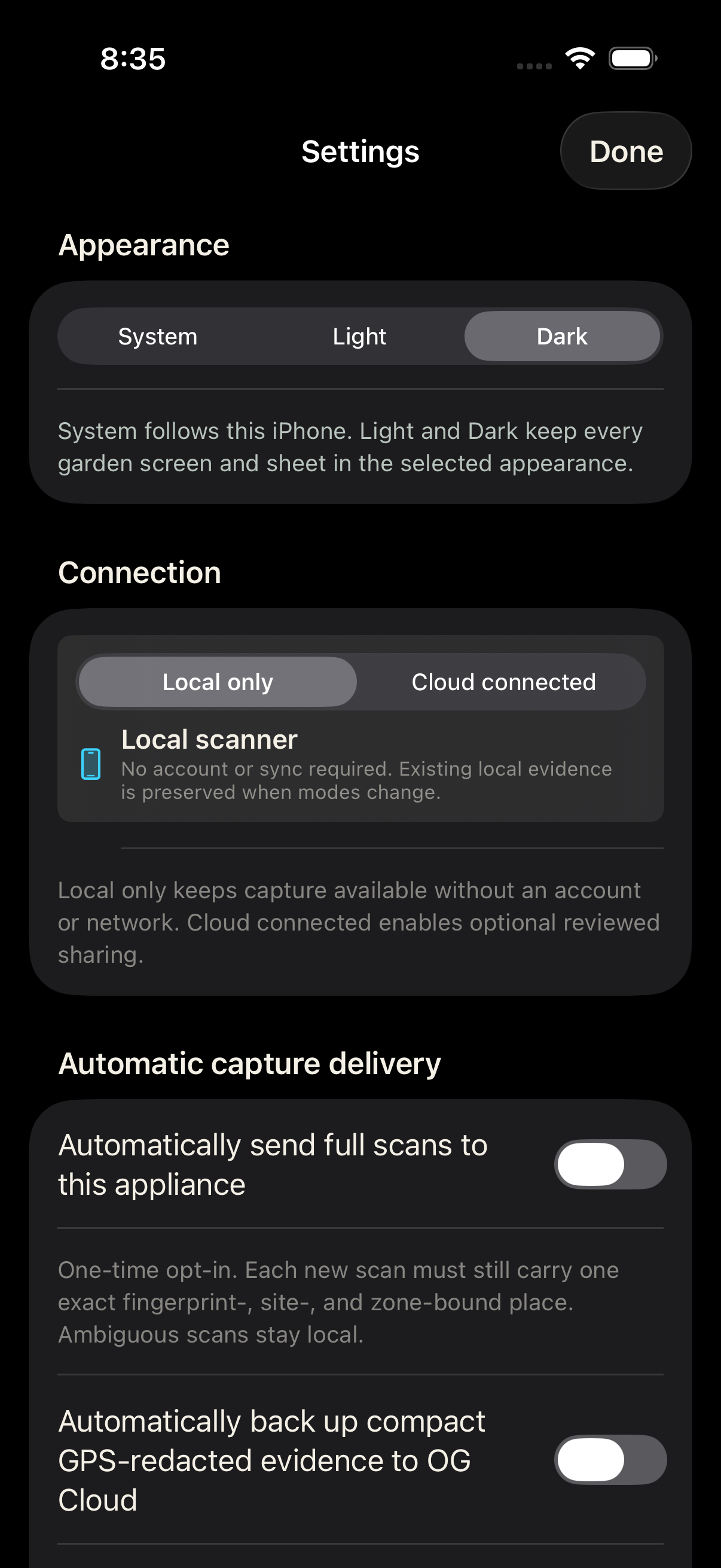
Actual iPhone Simulator screens · August 2026
The observation timeline
Reviewed observations, images, measurements, and care become a durable record. Tap a point to ask or compare, while uncertainty stays visible.
Privacy by architecture
Start entirely local. OG Pro keeps operational history and media on your own appliance. OG Cloud adds account-scoped continuity only for evidence you choose.
Without cloud or OG Pro, the iPhone is the only copy unless you export it.

Private beta · no purchase
Tell us what you grow. We will reply with current beta availability and next steps—no purchase or account registration required.
Request an invitation ↗